


KEVX
Lenovo XT80 Wireless Earbuds
Lenovo XT80 Wireless Earbuds
Couldn't load pickup availability
Lenovo XT80 Wireless Bluetooth Earbuds
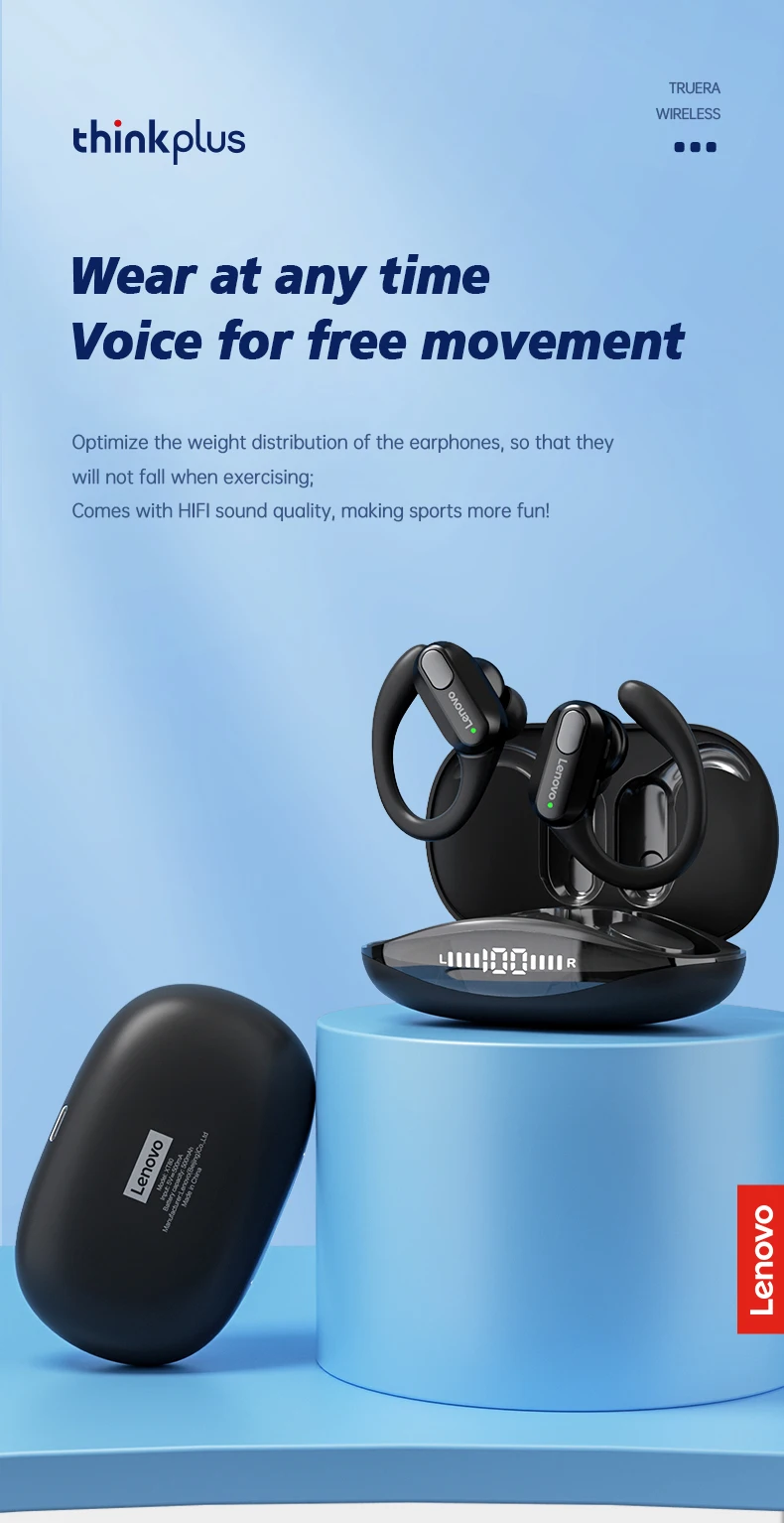
Experience powerful sound and all-day comfort with the Lenovo XT80 Wireless Bluetooth Earbuds. Designed for sports, workouts, travel, and everyday use, these earbuds feature secure ear hooks, crystal-clear calls, and a long-lasting battery to keep up with your lifestyle.
Features
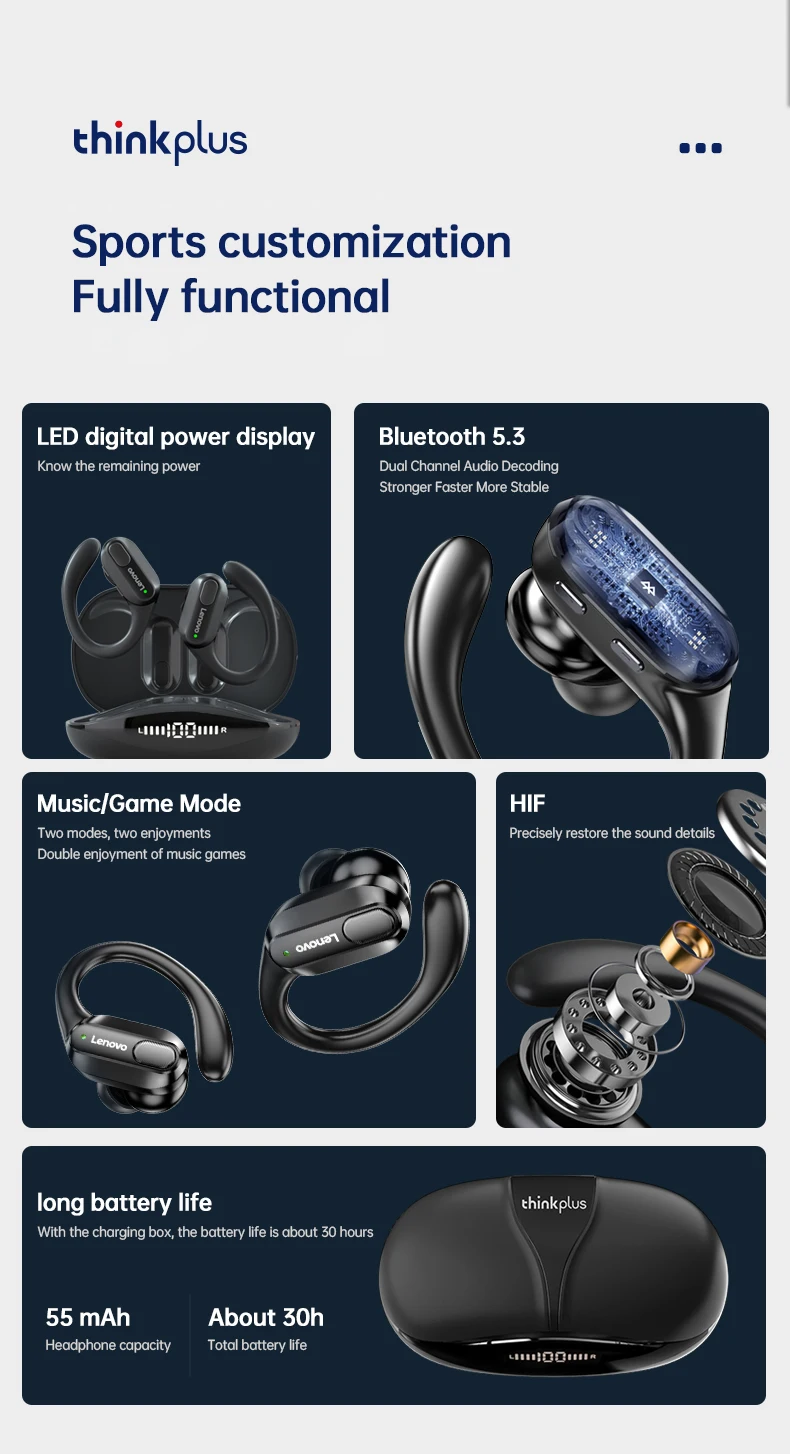
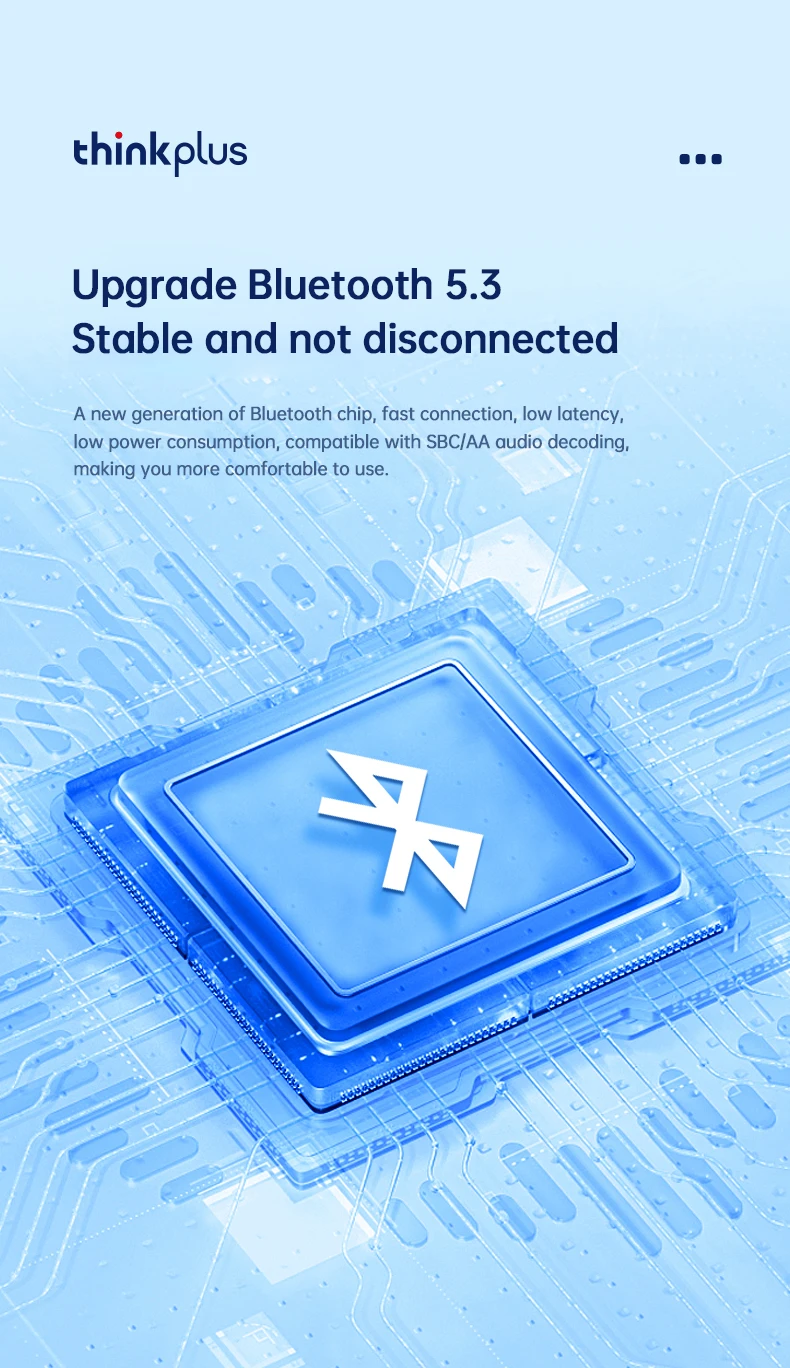
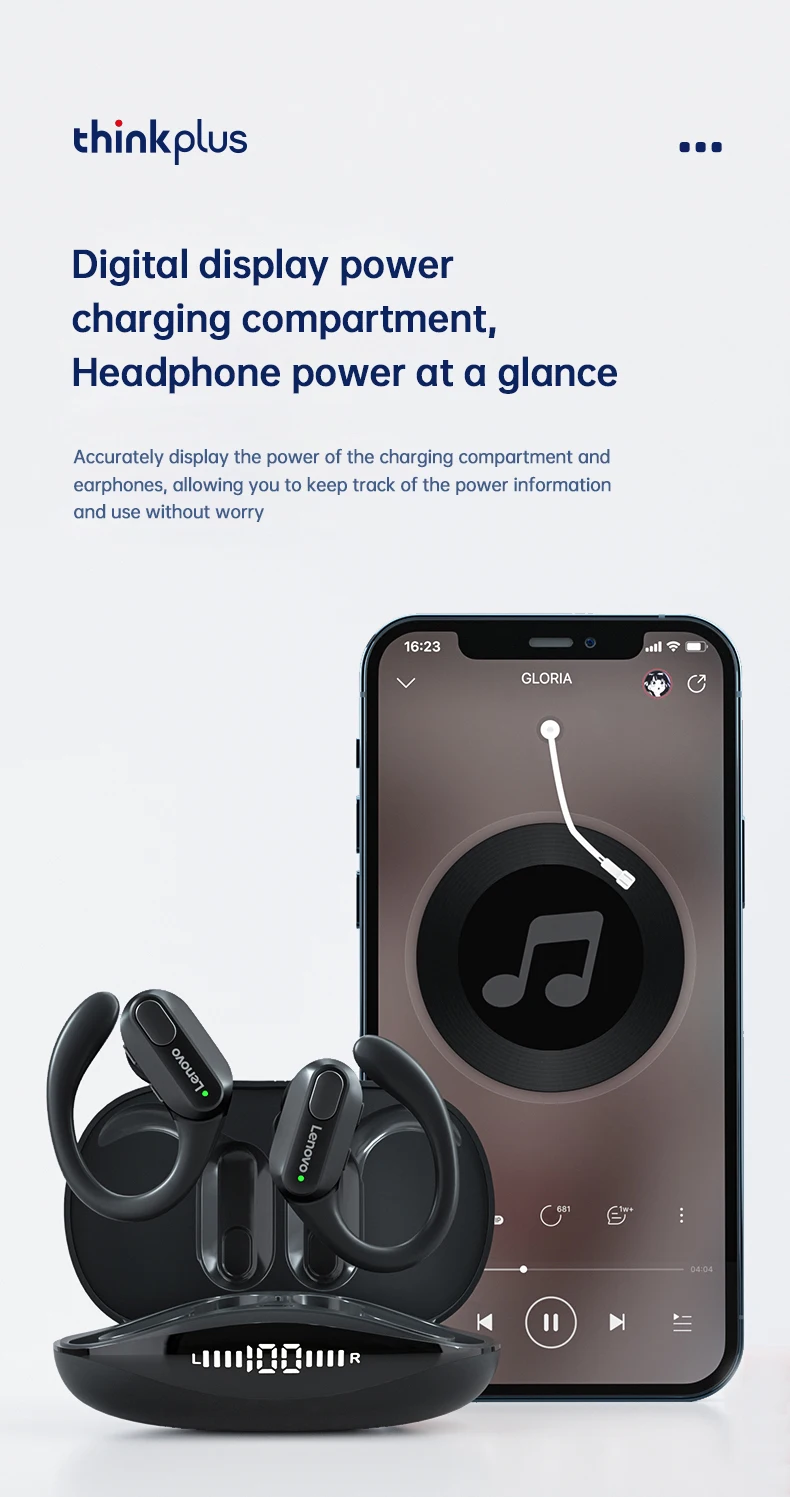
🎧 Bluetooth 5.3 for fast and stable connection
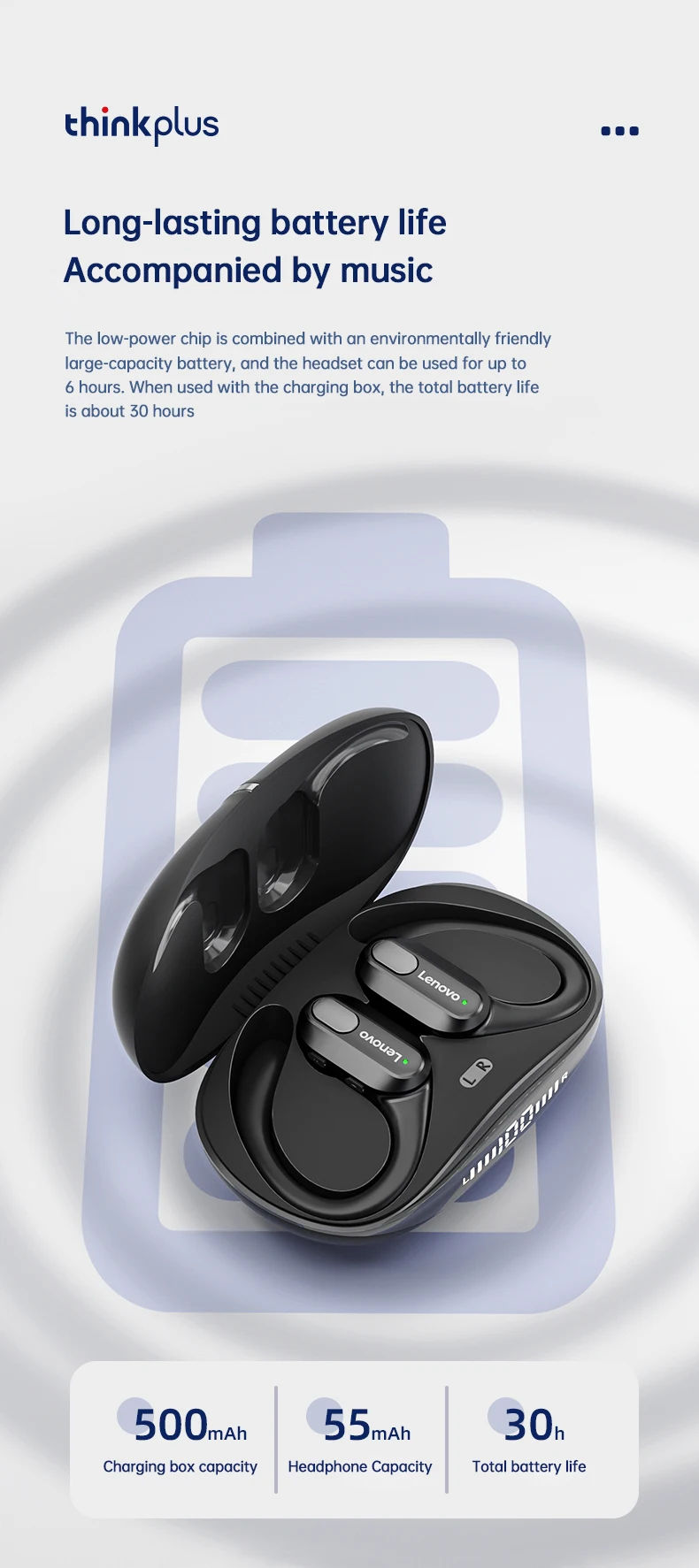
🔋 Up to 5–6 hours of playback on a single charge
🔋 500mAh charging case for extended battery life
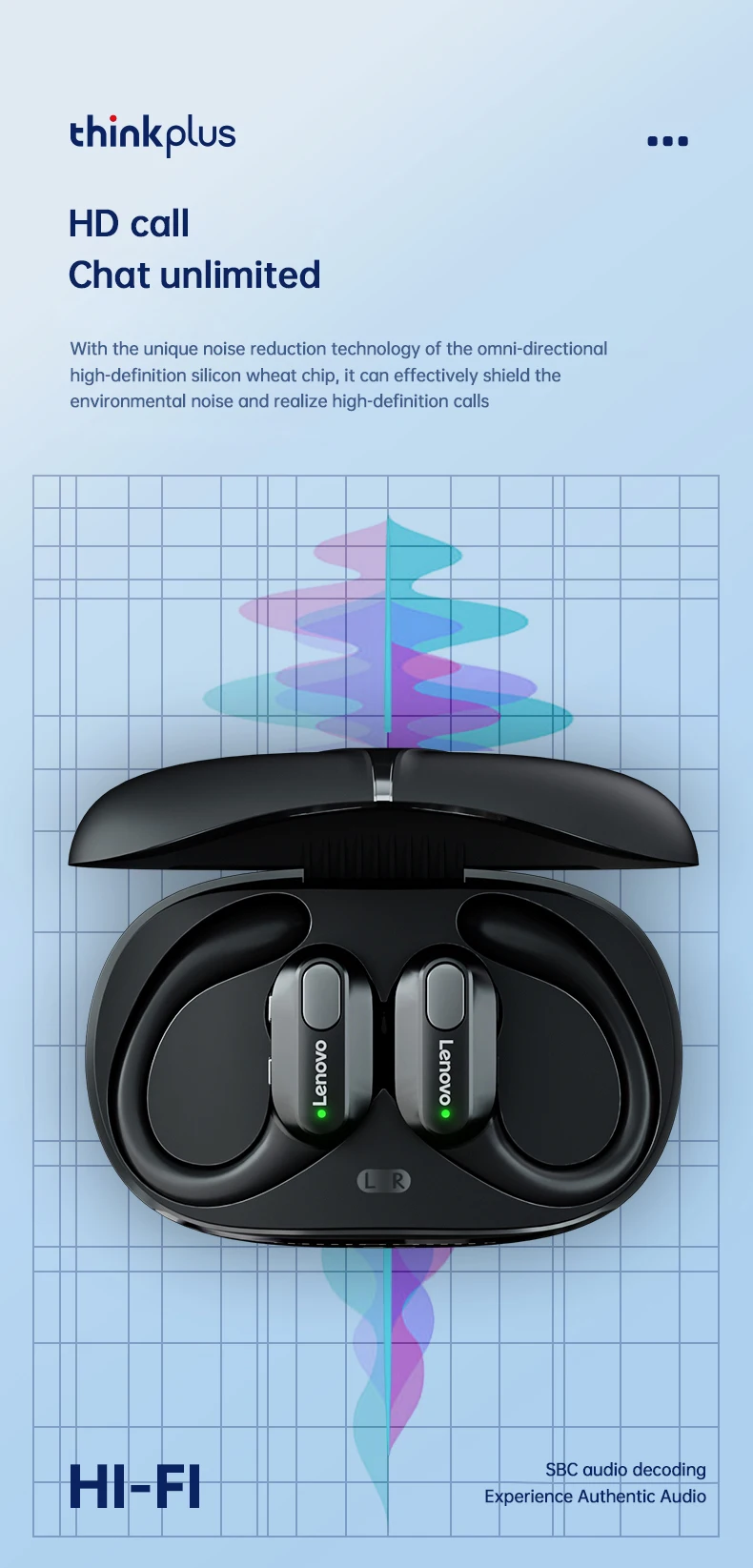
🎤 Built-in HD microphone for clear hands-free calls
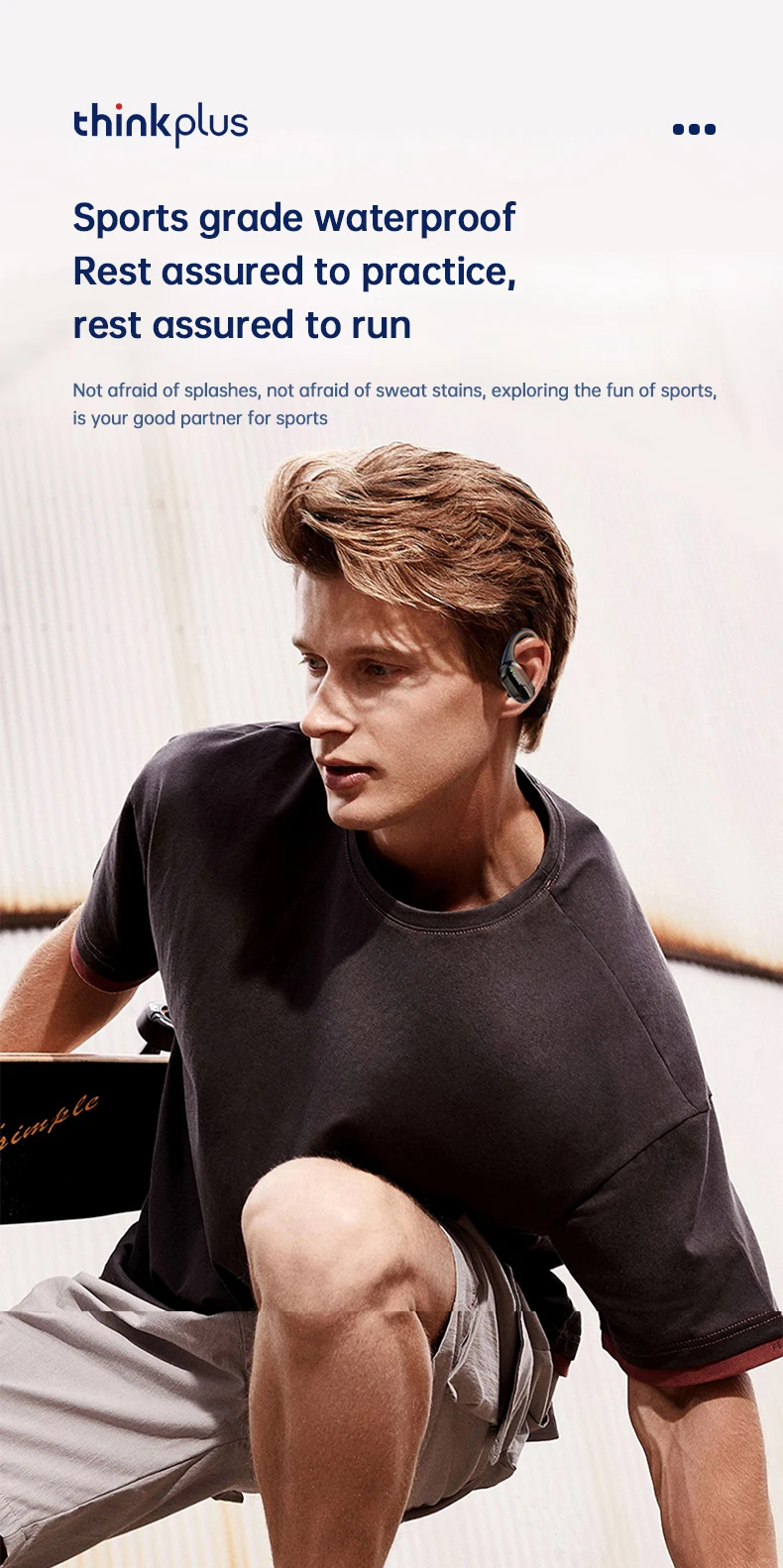
💪 Comfortable ear-hook design for running, gym, and outdoor activities
💧 Waterproof and sweat-resistant design
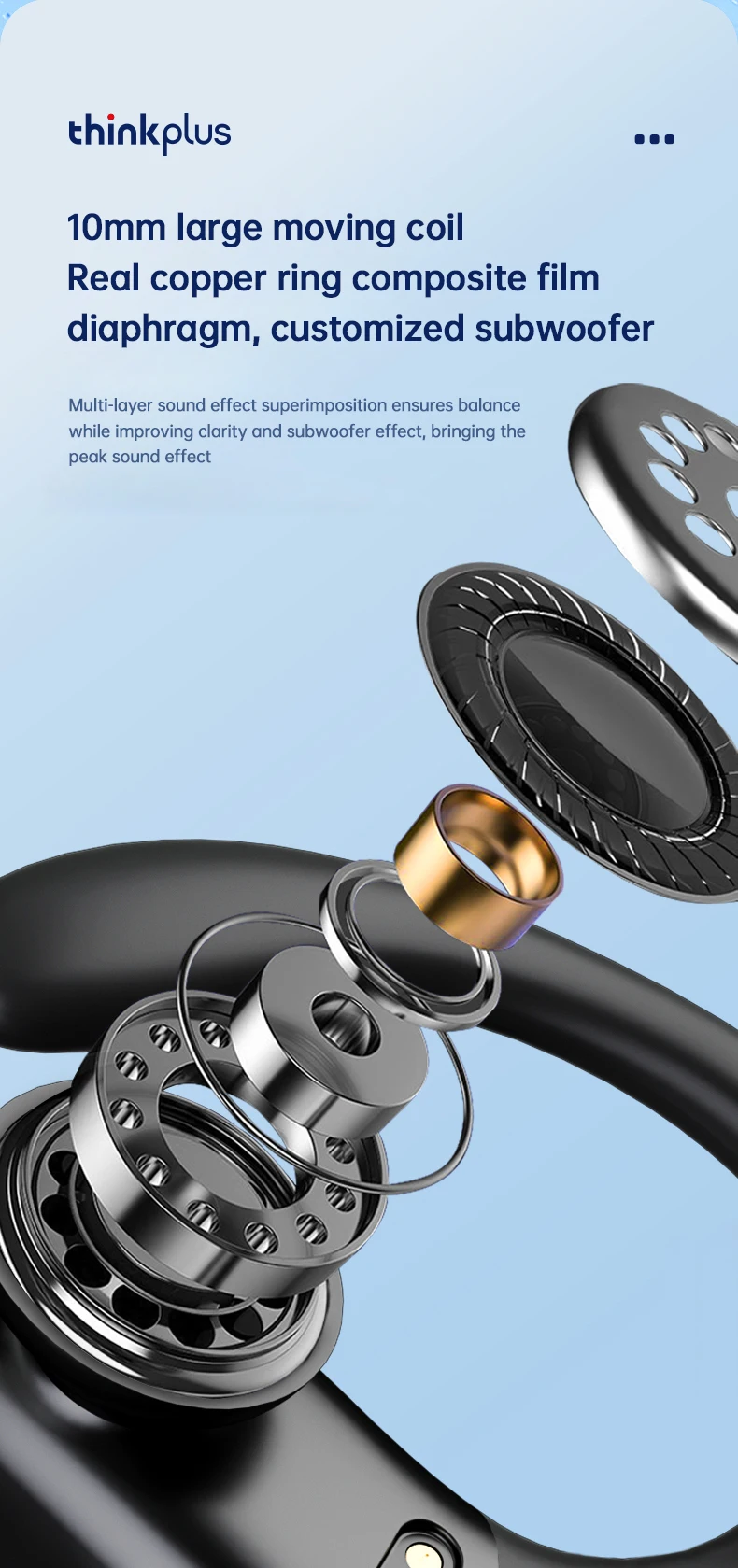
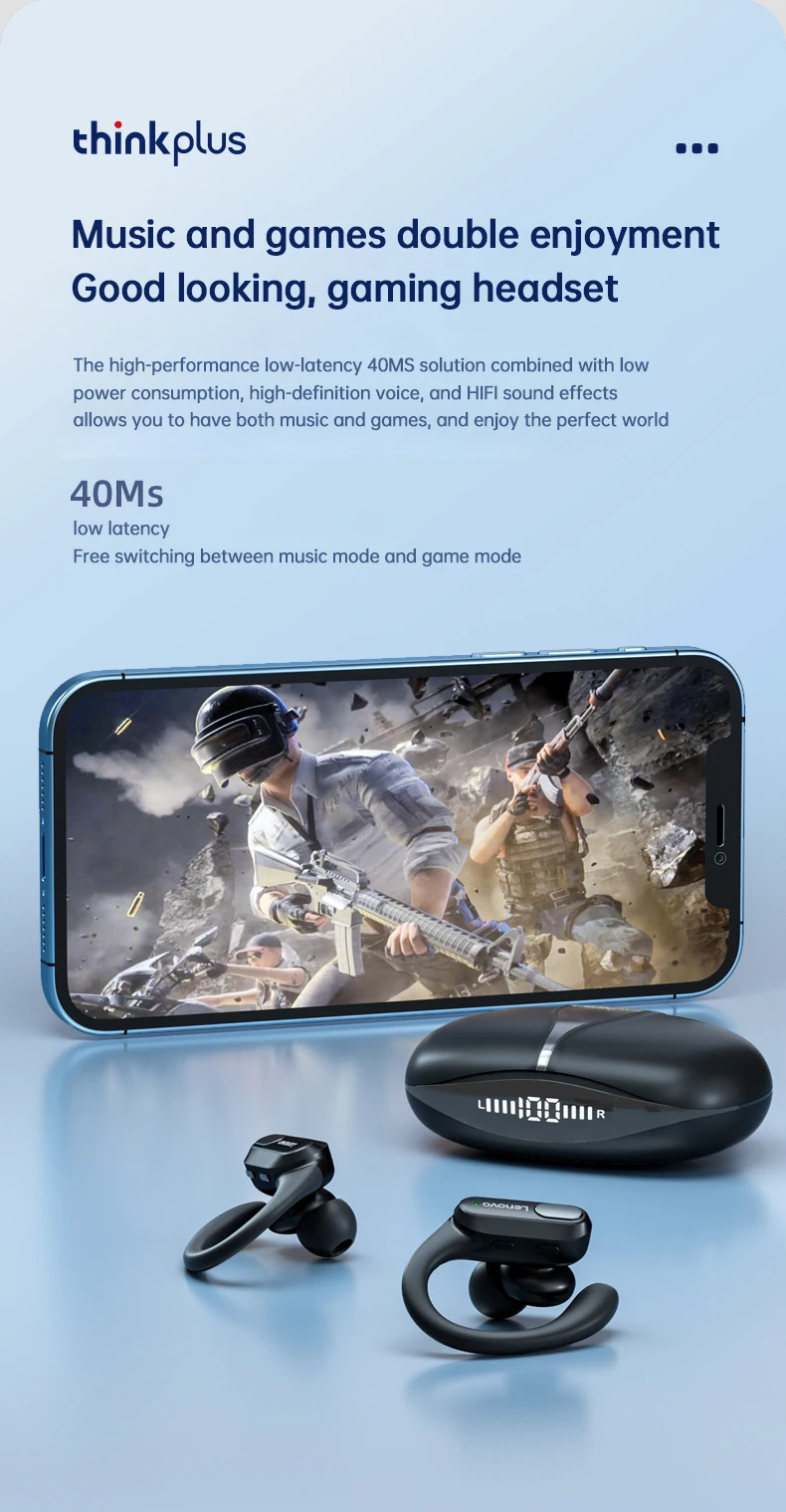
🔊 Powerful stereo sound with deep bass and clear vocals
📱 Compatible with Android, iPhone, tablets, laptops, and other Bluetooth devices
Specifications
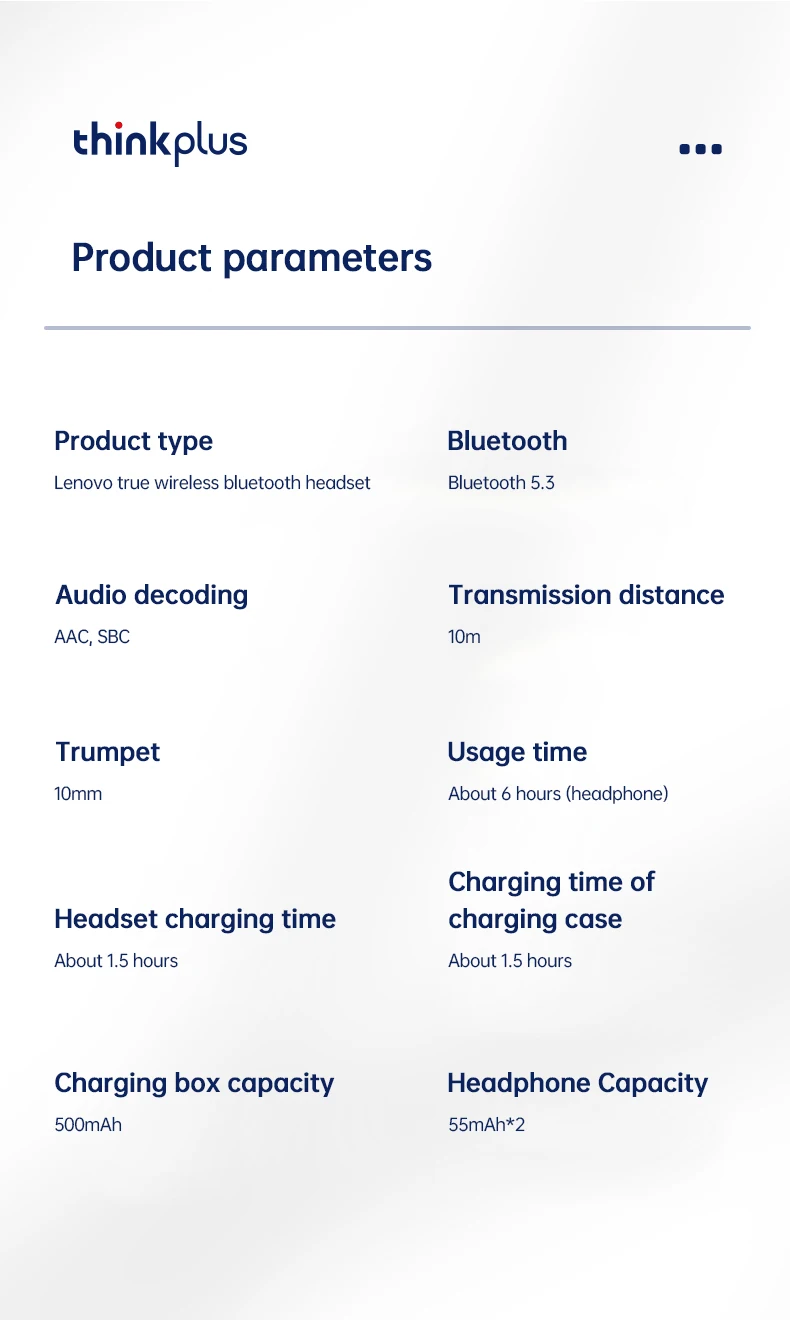
Brand: Lenovo
Model: XT80
Bluetooth Version: 5.3
Wireless Range: Up to 10 meters
Playback Time: 5–6 hours
Charging Case Battery: 500mAh
Charging Time: Approximately 1.5 hours
Built-in Microphone: Yes
Water Resistance: Yes
Charging Method: USB Charging Case
Package Includes
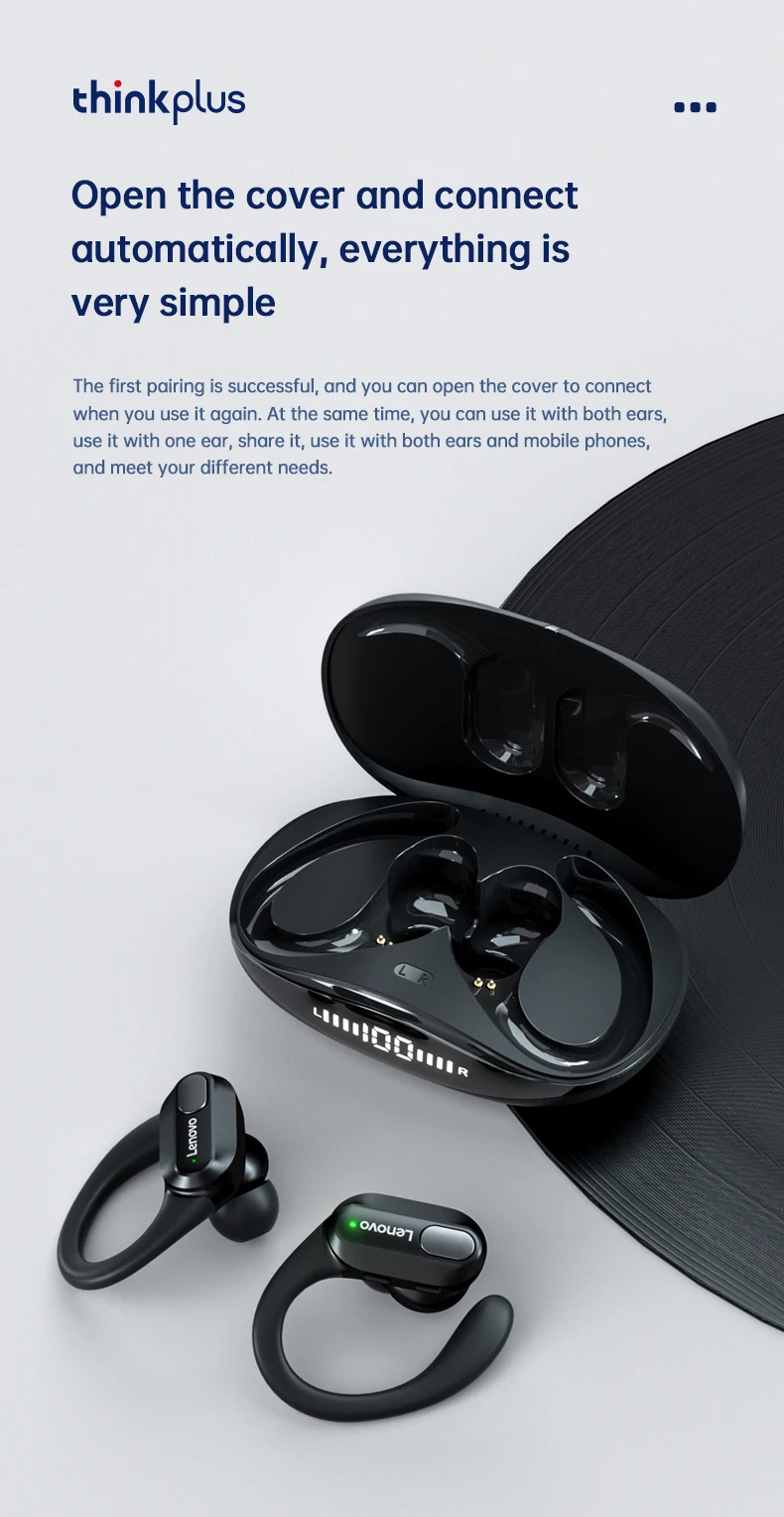
2 × Lenovo XT80 Wireless Earbuds
1 × Charging Case
1 × USB Charging Cable
1 × User Manual

Package List:
Bluetooth Earphone*2
Charging Case*1
Charging Cable*1
Instruction*1
Ear Cap*6
FAQ
1. Why two earphones cannot be connected synchronously?
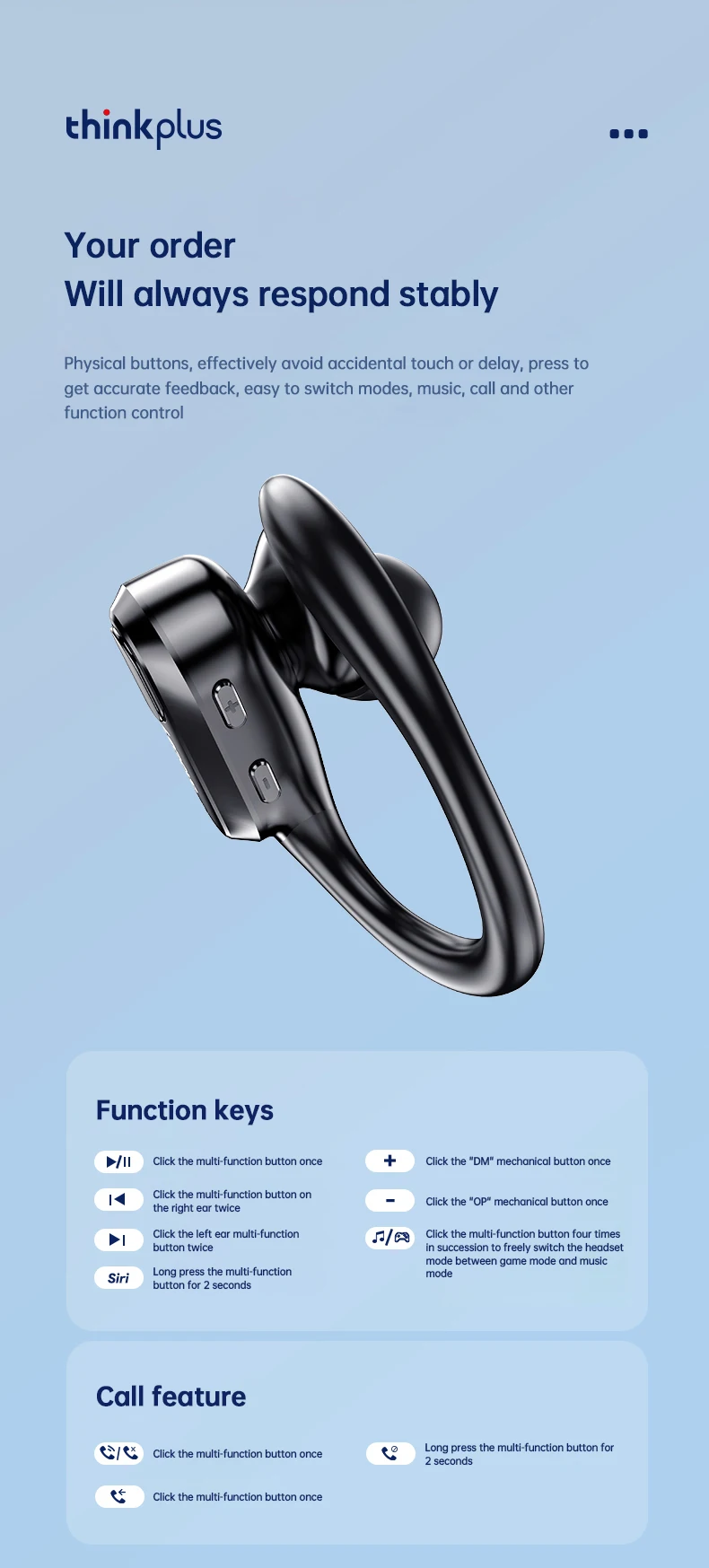
3. Can I activate Siri voice controls with these headphones?
Yes, you could activate Siri by long pressing the left earphone Button for 2 seconds.
4. Does this have a built-in microphone?
Yes, a built-in microphone is made for clear talks.
5. It says they're waterproof, can you swim with them?
No. It's just sweatproof. We don't recommend swimming with them.
6. Is this sound leak serious?
As long as the volume is not the maximum, there will be no leakage of sound. As for the health of the ear, you should also avoid using the maximum volume for a long time.


